
Live competition QR code: quiz your audience from one scan
Put one QR code on screen and the whole room joins a scored competition from their own phones. Questions appear on every device at once, a 15-second clock runs, and the leaderboard re-ranks everyone as the answers land — no app to install and no game PIN to type.
This guide covers what a live competition QR code is, how the scoring and leaderboard work, where competitions are worth running, and how to set your first one up in about five minutes.
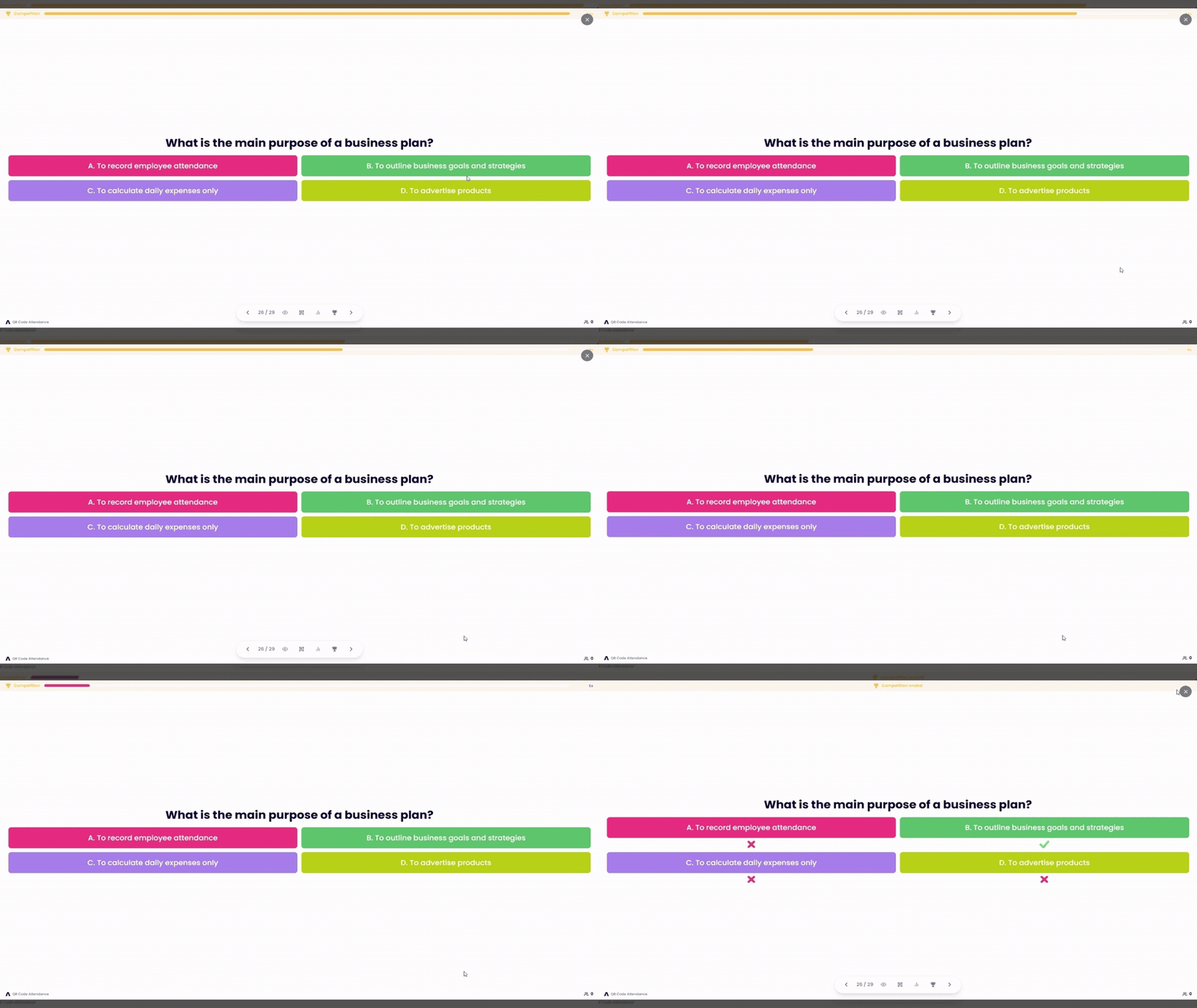
What is a live competition QR code?
A live competition QR code is a single code you display on screen that lets an entire audience join a scored quiz from their own phones. Everyone scans it with their camera, enters a name, and answers each question against a 15-second timer — faster correct answers are worth more points, and a live leaderboard ranks the room in real time. There is no app to install, no game PIN to type, and no code to hand out person by person.
- Time to join
- One scan — no app, no account
- Answer window
- 15 seconds per question
- Top score
- 1,000 points for the fastest answer
How does a live competition QR code work?
A QR code is a link in visual form, which is what makes it the fastest way to get a whole room into the same game at the same moment. Show the code, and everyone who can see it is a player — on a projector, on a printed card at the door, or pasted into a call for a remote audience.
- 1
One code opens the whole room
Your presentation has a single join QR code. Project it, print it for the door, or drop the link in a chat — participants point a phone camera at it, type a name, and they are in. The code belongs to the presentation rather than to a person, so a room of two hundred joins as quickly as a room of twenty.
- 2
Questions go live on your cue
You advance to a competition slide and the question appears on every phone at the same moment, with a 15-second countdown running. Answers stay sealed while the clock runs — nobody sees who was right, so nobody can follow the room.
- 3
The leaderboard settles it
When time is up the correct answer is revealed, points are awarded on accuracy and speed, and the standings update instantly. Bring the leaderboard up on the big screen between rounds and the competition runs itself from there.
What kinds of live competitions can you run?
Two slide types are scored, and both live inside the same deck as the rest of your presentation. Mix them freely — every round feeds one running leaderboard, so a game can be two questions long or twenty.
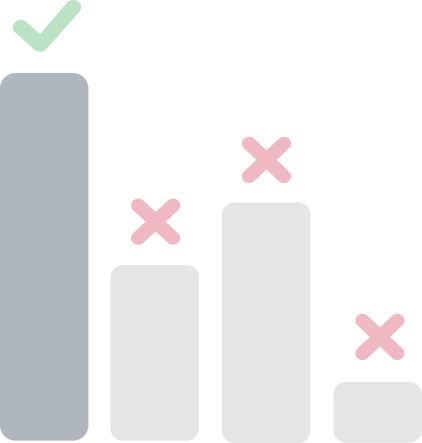
Multiple choice competition
The classic quiz round. Write a question, add the options, mark the correct one, and the room races the timer to find it. Best for knowledge checks, recaps at the end of a module, and trivia where more than two answers are plausible.
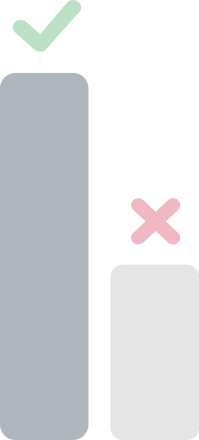
True or false competition
A two-option round that is over in seconds. Because the odds of guessing are so much better, this is where the wrong-answer penalty earns its keep — it rewards people who actually know rather than people who tap first.
Not every slide has to be a contest. The same deck also runs unscored live polls, open-ended questions, and this-or-that challenges — useful for warming a room up before the points start counting.
How scoring and the live leaderboard work
A competition is only worth running if the ranking at the end is defensible. The rules are the same for every round and visible to everyone playing: get it right, get it right quickly, and do not guess.
Points for a correct answer, by the second it arrives
A wrong answer scores −200 points, whenever it arrives.
Speed decides the points
A correct answer is worth up to 1,000 points if it lands the instant the question appears, sliding down to 100 points for one that arrives on the buzzer. Knowing the answer earns you something; knowing it quickly earns you the round.
Wrong answers cost 200 points
A wrong answer takes 200 points off the total. It is what stops a true-or-false round from being decided by whoever taps fastest, and it makes the standings mean something by the end of a five-question game.
Answers stay hidden until time is up
Correct and incorrect options are only revealed once the countdown ends or you end the round yourself. While the clock is running there is nothing to copy — not from the screen, and not from the person in the next seat.
The leaderboard is cumulative and live
Scores add up across every competition round in the deck, and the leaderboard re-ranks the moment a response lands. Show it between questions to keep the pressure on, or save it for a final reveal at the end.
Where live competition QR codes work best
The mechanic is the same everywhere; what changes is why you are running it. In a training room the competition is a measurement wearing a costume. At an event it is the entertainment, and the only thing that can spoil it is a complicated way to join.
Classrooms and training rooms
Where a competition is really a check on whether the last thirty minutes landed.
- End-of-module recaps — find out what actually stuck before you move on to the next topic.
- Revision sessions — a scored round holds a room in the last period of the day in a way that a recap slide does not.
- Compliance and safety training — turn the mandatory part into five questions people compete over.
- Onboarding cohorts — a light competition breaks the ice on day one without anyone having to introduce themselves.
- Lectures with a long middle — a 90-second round resets attention better than a break does.
Events, teams, and socials
Where the competition is the point, and the friction of joining is what kills it.
- Conference sessions and keynotes — a projected code turns a silent hall into a scoreboard in under a minute.
- Team meetings and all-hands — a quick round on the quarter’s numbers beats reading them off a slide.
- Quiz nights and team socials — remote and in-person players join the same game from the same link.
- Trade show stands — a rolling competition on the booth screen gives passers-by a reason to stop.
- Workshops and away days — run rounds between sessions and let the leaderboard build across the whole day.
How to create a live competition QR code
There is no separate QR generator to visit and no quiz to rebuild in another tool. Creating the presentation creates the code — here is the whole process, from empty deck to a room playing.
- 1
Create a presentation
Sign up free and add a presentation. It can stand on its own, or belong to an event if you also want to track who attended.
- 2
Add a competition slide
Choose a multiple choice competition or a true or false competition, write the question, add the options, and mark the correct answer. Add as many rounds as you want — scores accumulate across all of them.
- 3
Show the join QR code
Open the join code full screen and project it. The code encodes a stable join link, so the same code keeps working every time you run the deck — print it once and reuse it.
- 4
Go live and let the room in
Press Go Live to open the door. Participants scan, type a name, and land in a waiting view that follows your slides — you can watch the joined count climb before you start.
- 5
Run the round and reveal the leaderboard
Advance to the competition slide to start the 15-second clock. End the round early if the room has finished, then bring the leaderboard up on screen to show where everyone stands.
Step-by-step instructions are in the Help Guide.
QR code competitions vs other quiz tools
Dedicated quiz apps score the same way; what they ask for is a second tool, a rebuilt deck, and a PIN typed by everyone in the room. Handsets remove the typing and add hardware. A code on the slide you were already presenting removes both.
| Method | How people join | Setup | Scoring | Cost |
|---|---|---|---|---|
| Live competition QR code | Scan the code, type a name | A slide inside your existing deck | Speed-weighted, live leaderboard | Free to start, no hardware |
| Quiz app with a game PIN | Find the site, type a numeric PIN | Rebuild the quiz in a separate tool | Speed-weighted, live leaderboard | Free tier, priced by room size |
| Show of hands | Instant, but nothing is recorded | None | None — no scores, no ranking | Free |
| Printed quiz sheets | Hand out and collect on paper | Write, print, and photocopy | Marked by hand afterwards | Cheap to print, costly in time |
| Clickers / response handsets | A device handed to every seat | Pair, charge, and distribute units | Built in, vendor-dependent | Hardware cost per seat |
Live competition QR code FAQs
It is a single QR code that puts a scored quiz on every phone in the room. Participants scan it with their camera, enter a name, and answer each question against a countdown — correct answers score points based on how quickly they arrive, and a live leaderboard ranks everyone as the game runs.
No. Every modern phone camera reads QR codes natively and the competition opens in the browser. There is nothing to install, no account to create, and no game PIN to type — participants just enter the name they want on the leaderboard.
Fifteen seconds from the moment the question appears on screen. You can also end a round early from the host controls once the room has finished answering, which reveals the correct answer and awards points straight away.
Points are weighted by speed. A correct answer submitted immediately is worth 1,000 points, and that value slides down to a floor of 100 points for a correct answer that lands as the timer expires. A wrong answer deducts 200 points, so guessing is not a free bet.
Two competition formats are built in: multiple choice competitions, where the room races to find the right option, and true or false competitions for fast two-option rounds. Both are scored and both feed the same cumulative leaderboard.
Yes. A presentation can stand entirely on its own with its own join QR code, which is the usual setup for a quiz night, a workshop round, or a conference session. Attach it to an event only when you also want a record of who was in the room.
Yes. If the presentation belongs to an event, attendees scan the attendance QR code to check in and continue straight into the deck — one scan covers both the register and the competition, with no second code to display.
While the timer is running, correct and incorrect options are hidden from everyone, so there is nothing on screen or on a neighbour’s phone to copy. Answers are only revealed once the round closes, and because points fall away second by second, waiting to see what other people do costs more than it gains.
A projected code can be scanned by a whole room at once, so the practical limit is your plan rather than the mechanics. There is nothing to hand out and nothing to queue for, whether twenty people are playing or two hundred.
Yes. The Starter plan is free forever and includes up to 5 presentations with competition slides, live scoring, and the leaderboard included — no credit card required.
Ready to run your first live competition?
Part of our live poll with QR code toolkit — pair it with our QR code attendance solution to check the room in and compete on the same scan.